Prompt engineering is the skill of writing clear, specific instructions that guide an AI image tool toward exactly what you want. Think of it less like talking to a robot and more like briefing a designer — one who is extremely talented but takes everything literally.
The AI doesn't know your brand, your audience, or your vision. It only knows what you tell it. Vague input produces generic output. Specific input produces professional output.
The Core DifferenceA Wish vs. An Instruction
No style, no subject, no colors, no layout. The AI guesses everything. You get something generic every time.
The 5 Elements of Every Good Prompt
Not all AI image tools are the same. Each has strengths, weaknesses, and its own prompt language. Knowing which tool fits your goal saves you hours of frustration.
Tool DirectoryEvery Major Platform
Which Tool for Which Job
| Your Goal | Best Tool |
|---|---|
| Complete beginner | ChatGPT / Bing / Canva AI |
| Readable text in the image | Ideogram |
| Most artistic / dramatic result | Midjourney |
| Same face across multiple images | Leonardo AI / Midjourney --cref |
| Google ecosystem | Google Gemini |
| Fast social media content | Grok Imagine |
| Print-ready commercial images | Adobe Firefly |
| Most realistic portraits | Flux / Midjourney |
A great prompt is built in layers — like a design brief. Each layer adds clarity. Together, they give the AI everything it needs to produce a professional result.
Same Prompt — Four Tools
Custom Prompt Builder
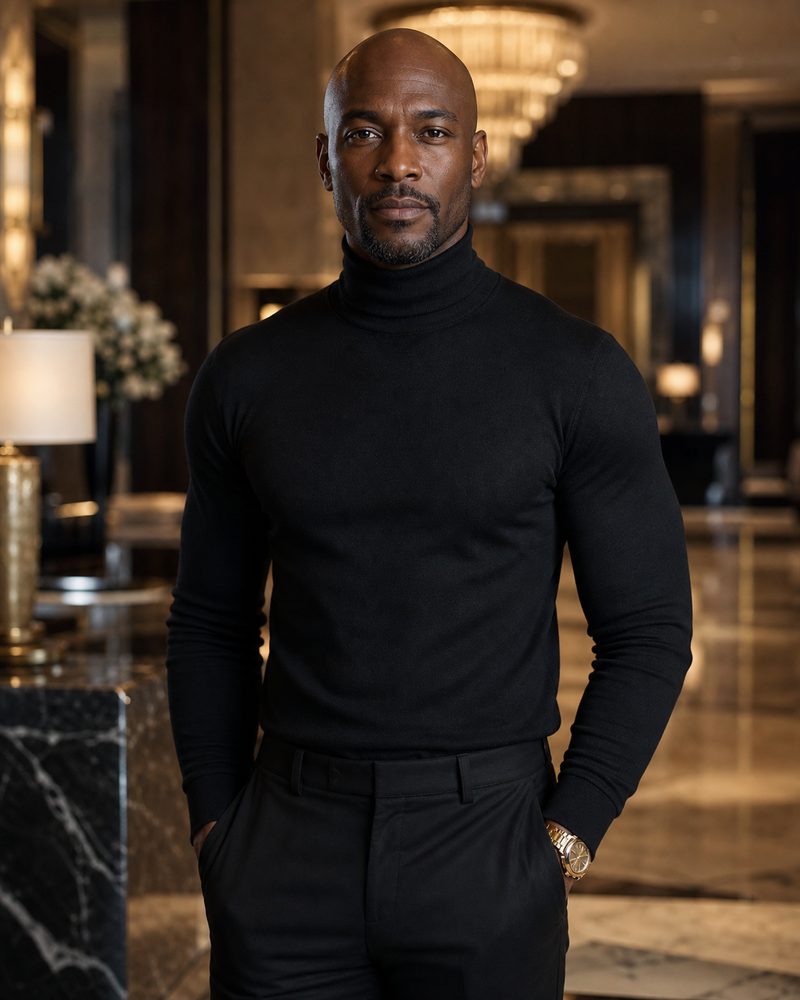
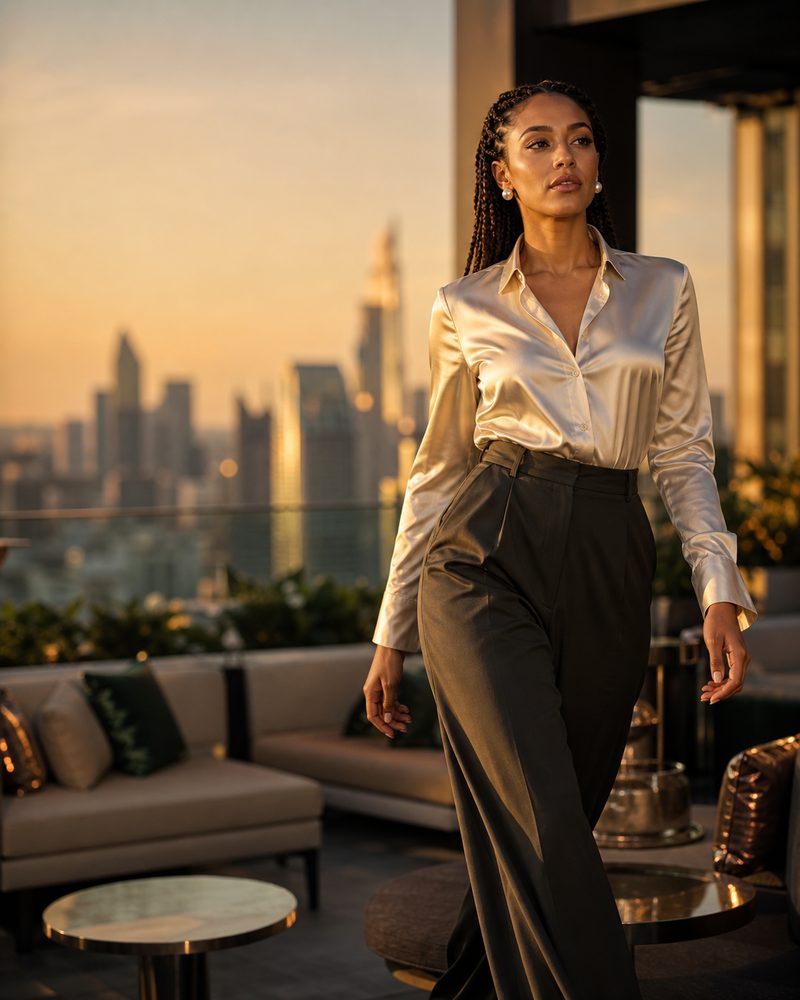
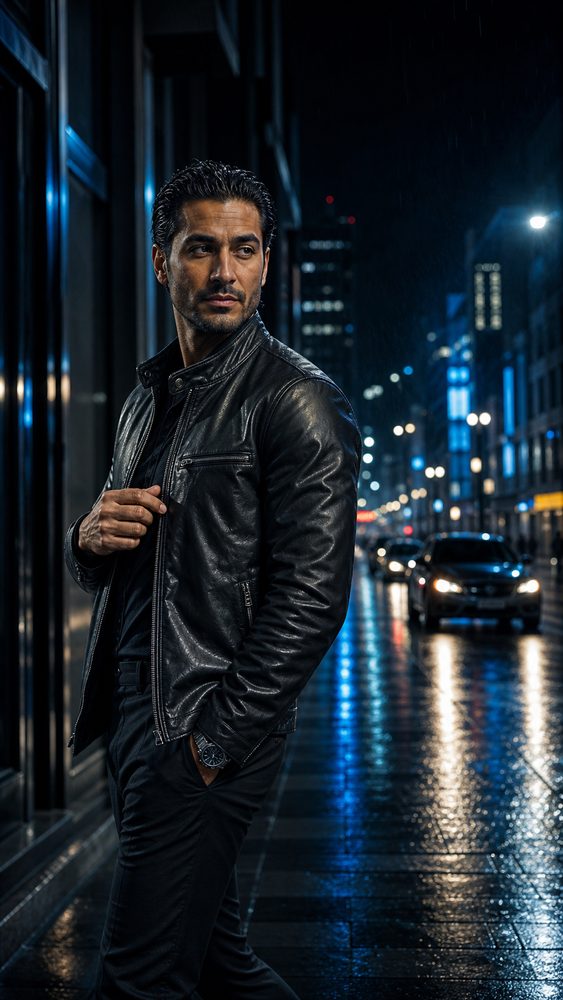
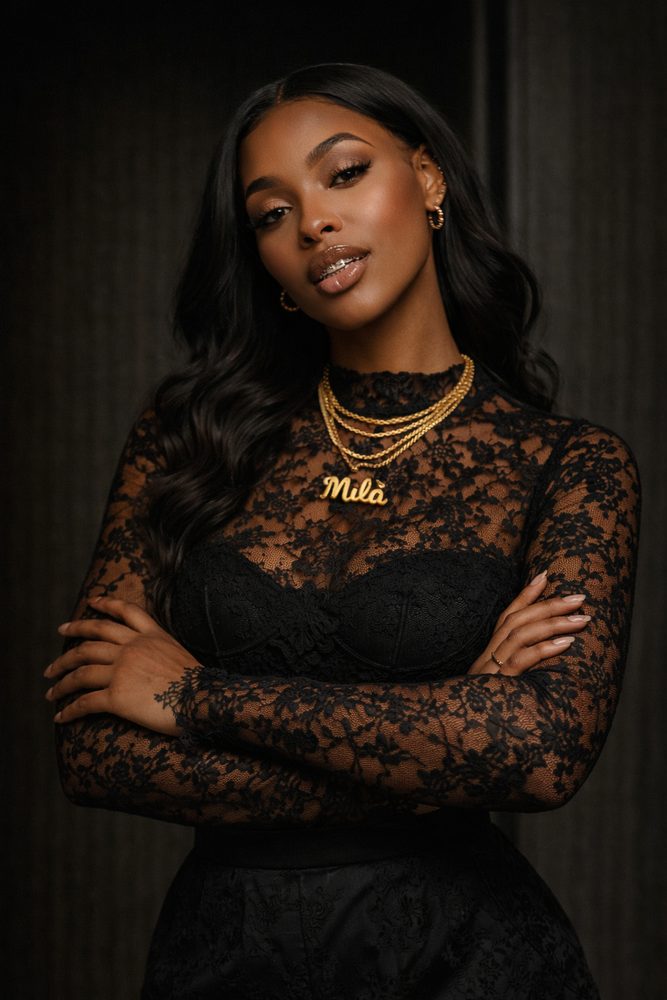
Use this character image as the identity reference, then copy the master-lock text below into any image generator that supports reference images.
Every AI tool makes the same mistakes. Pick what went wrong and get the exact line that fixes it — added straight into your prompt.
Composition is how all elements are arranged. A strong composition guides the viewer's eye, communicates the message fast, and makes the design feel intentional — not accidental.
Visual hierarchy means arranging elements so the viewer automatically knows what to look at first, second, and third. For a book flyer: Title → Portrait → Subtitle → CTA.
Professional designs look expensive because they are not overcrowded. Negative space gives elements room to breathe and makes the main subject pop.
Divide the image into a 3×3 grid. Placing key elements along the grid lines creates natural balance and visual interest. Prevents the "centered and boring" problem.
Always include aspect ratio — don't let the AI guess. Wrong ratio means cropped text or wasted space when you post.
| Platform | Best Ratio | Use |
|---|---|---|
| Instagram Feed | 4:5 | Best for attention, ads |
| Instagram Square | 1:1 | Quote posts, simple promos |
| Stories / Reels / TikTok | 9:16 | Full-screen mobile |
| Facebook Feed | 4:5 or 1:1 | Ads and posts |
| 1.91:1 or 4:5 | Professional ads | |
| 2:3 | Vertical discovery | |
| Print Flyer | A4 / 8.5:11 | Handouts |
| Book Cover | 2:3 | Standard dimensions |
Style is the visual personality of your image. Mood is the emotion it creates. Together they're what makes a viewer feel something — and feeling something is what drives action.
| Mood Goal | Prompt Words to Use |
|---|---|
| Luxury | premium, refined, elegant, high-end, sophisticated, curated |
| Masculine | grounded, strong, disciplined, mature, structured, bold |
| Warm & Approachable | inviting, soft light, friendly, warm tones, genuine, relatable |
| Serious & Authoritative | dramatic, focused, powerful, commanding, professional, credible |
| Energetic & Bold | vibrant, dynamic, high energy, punchy, electric, bold colors |
| Inspirational | uplifting, motivational, aspirational, empowering, hopeful |
Lighting changes everything. The exact same subject with different lighting feels completely different. Master lighting language and your images immediately look more professional.
| Ad Type | Best Lighting Prompt |
|---|---|
| Book / Author Flyer | soft studio key light, subtle rim light, warm catchlights, dark background |
| Fitness / Gym Ad | hard directional lighting, sharp muscle definition, dramatic contrast |
| Beauty / Skincare | soft diffused beauty lighting, smooth highlights, natural skin texture |
| Luxury Product | controlled studio lighting, subtle reflections, softbox highlights, black background |
| Restaurant / Food | warm natural light, appetizing highlights, shallow depth of field |
| Corporate / LinkedIn | clean professional softbox, neutral background, confident natural expression |
Plastic skin. Dead eyes. Wrong hands. Too perfect. These are the telltale signs of AI images. These techniques tell the AI to produce images that look like they were captured by a real camera with a real person.
| Term | What It Does | When to Use |
|---|---|---|
| Serif | Decorative classic letters | Headlines, book titles, luxury |
| Sans-Serif | Clean modern letters | Body text, subtitles, modern brands |
| High Contrast | Text stands out from background | Always — for readability |
| Kerning | Spacing between letters | Professional-looking text |
| Emboss | Raised 3D effect | Gold headlines, premium brands |
Negative prompting tells the AI what not to do. It's as important as your positive prompt. The right negative prompts eliminate the most common AI failures before they appear.
Social media images have one job: stop the scroll. The image gets attention. The headline creates interest. The CTA gives direction. Your prompt needs to control all three.
You create a great image of a person. Then you need another image of the same person — and the AI gives you someone completely different. Character consistency solves this. It's how professionals maintain brand identity across an entire campaign.
How Each Platform Handles It
Upload a reference photo directly in the conversation. ChatGPT remembers it within the same session. Upload once, say "same person as before, but now..." for every new image.
Midjourney has a dedicated character reference parameter. Upload your photo to Discord, get the URL, then use --cref followed by the URL. The --cw value (0-100) controls face match strength.
| --cw Value | Effect |
|---|---|
| --cw 100 | Strongest face match — closest to reference |
| --cw 50 | Balanced match — some variation allowed |
| --cw 0 | Only style/vibe from reference, not face |
Upload the photo and be very direct in your language. Grok responds well to explicit instructions about preserving identity. Be specific and repeat the instruction.
Gemini works best through highly detailed verbal descriptions combined with reference images. The more specific your description of the person's features, the more consistent the results.
Leonardo has one of the strongest built-in character consistency features. Use "Image Guidance" with "Character Reference" mode — purpose-built for maintaining the same person across many images.
Universal Character Consistency Prompt
6-Step Consistency Process
Character Consistency Cheat Sheet
- Always upload a clear reference photo — front-facing, good lighting, no glasses or hats if possible.
- Be explicit every time: "Preserve the exact face, do not alter any facial features."
- Describe the person in detail — skin tone, hair, beard, age range, distinctive features.
- Stay in the same session (ChatGPT) — the AI remembers your reference photo within one conversation.
- Use --cw 100 in Midjourney for maximum face lock.
- Change only what needs to change — new background, new outfit, new pose. Keep everything else identical.
- Save the exact prompt that produced your best result and reuse it as a template.
- For campaigns: generate 4–6 base images, pick the best 2–3, use those as references going forward.
| Term | What It Means | Prompt Usage |
|---|---|---|
| 300 DPI | High resolution for sharp print quality | print-ready 300 DPI design |
| CMYK | Print color mode vs. RGB for screens | CMYK-friendly color palette |
| Bleed | Extra edge area to prevent white borders when trimmed | full bleed background design |
| Safe Margin | Text kept inside edges so it doesn't get cut | all text inside safe margins |
| Print-Ready | File prepared for professional printing | print-ready flyer layout |
Everything in this guide comes together here. This is the workflow you follow every time you need a professional AI image — flyer, social post, book cover, or ad campaign.